
Why You Shouldn’t Save Your Passwords in Your Browser
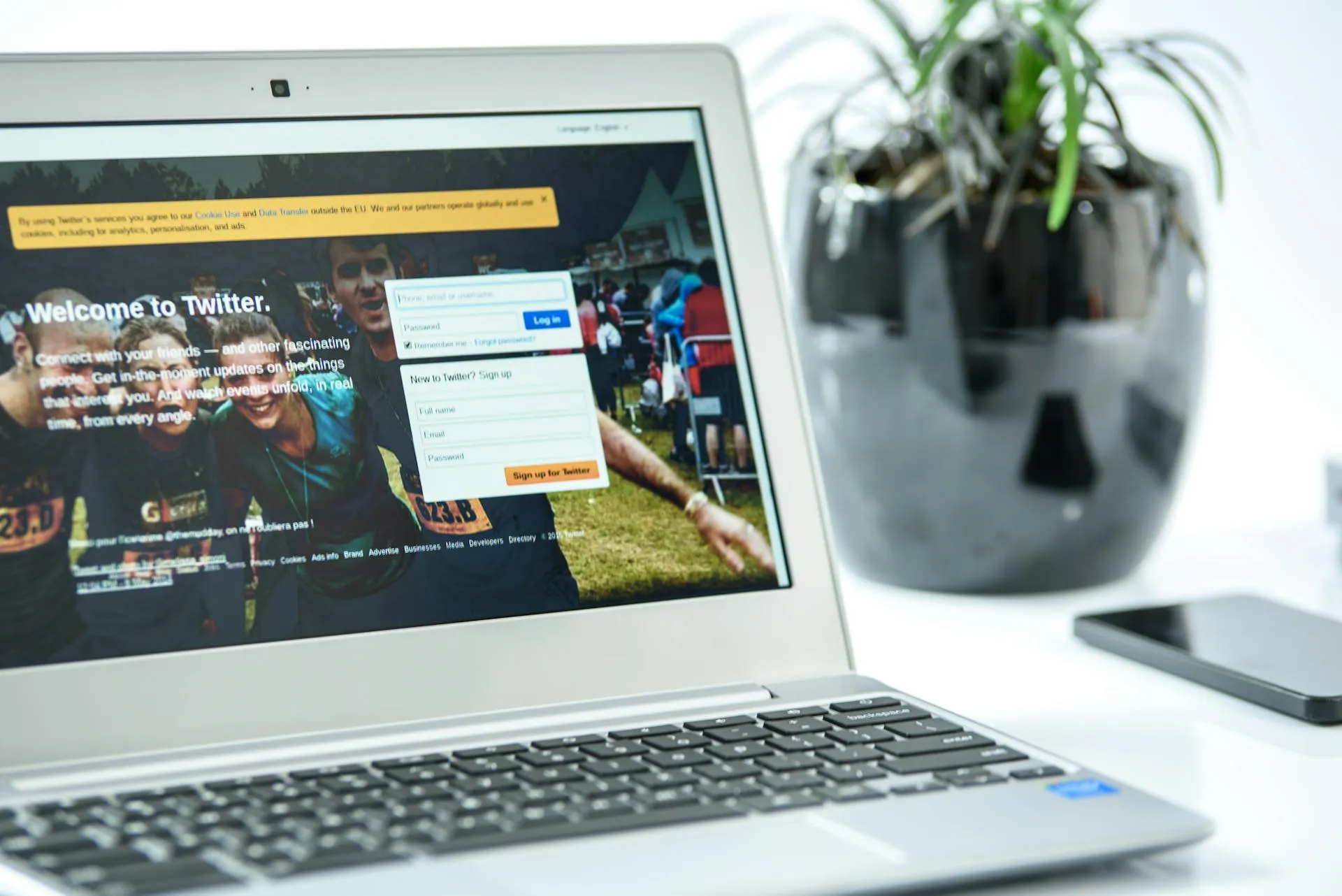
We all love convenience. When your browser pops up and says, “Want me to remember this password for you?” it feels like a lifesaver. No more typing, no more forgetting. Easy, right?
Not so fast.
From a cybersecurity standpoint, saving your passwords in your browser is like hiding your house key under the welcome mat. Sure, it’s convenient, but it’s also risky. And in today’s world of data breaches and credential theft, that risk can cost you more than you think.
Let’s break down why cybersecurity experts strongly recommend against storing passwords in your browser, and what you should do instead.
Browsers Aren’t Built for True Security
Your browser’s main job is to help you surf the web, not protect your most sensitive information. While browsers like Chrome, Edge, and Firefox offer password-saving features, they’re not designed with enterprise-grade security in mind.
Here’s what they lack:
- Robust encryption: Dedicated password managers use advanced encryption methods to keep your credentials safe. Browsers? Not so much.
- Zero-knowledge architecture: This means even the service provider can’t access your passwords. Most browsers don’t offer this level of protection.
- Breach alerts and password health checks: A good password manager will warn you if your credentials have been exposed in a breach or if you’re using weak or reused passwords. Browsers don’t provide these insights.
Bottom line: Browsers are great for browsing, but they’re not security tools. Treating them like one is a gamble.
Anyone with Access to Your Device Can See Them
Here’s a scenario: You step away from your desk for a quick coffee. A coworker—or worse, a stranger—sits down at your computer. If your passwords are saved in your browser, they can access them in seconds.
Most browsers allow users to view or export saved passwords with just a few clicks. Some even autofill credentials automatically, meaning anyone at your keyboard could log into your accounts without knowing your master password.
Think about what’s at stake: email, banking, social media, business apps. If someone gets into one account, they can often pivot to others. It’s a domino effect you don’t want to experience.
Browser Sync Makes Things Riskier
Syncing your browser across devices sounds convenient—and it is. But it also increases your attack surface.
When you sync Chrome or Edge using your Google or Microsoft account, all your saved passwords are stored in the cloud. If that account is ever compromised (and yes, it happens more often than you’d think), a hacker could instantly access every login you’ve saved.
That means one breach could expose everything, from your Netflix account to your corporate email.
Malware Targets Browser Passwords
Cybercriminals know where the easy wins are. Info-stealer malware like RedLine or Raccoon is designed to hunt for browser-stored passwords. 1 Once your device is infected, these programs quietly collect and send your saved logins to attackers, often without you realizing it.
And here’s the kicker: These attacks don’t just target big corporations. Small businesses and individuals are prime targets because they often lack advanced security measures.
No Breach Alerts or Security Insights
A real password manager does more than store your credentials. It actively helps you stay secure by:
- Monitoring for breached passwords
- Flagging weak or reused passwords
- Offering end-to-end encryption that only you can unlock
Browsers don’t do any of that. They’re passive storage tools, not proactive security solutions.
Autofill Can Be Exploited
Autofill feels convenient, but it’s another security hole. Cybercriminals can create fake login forms that trigger your browser’s autofill feature. The moment you visit the page, your credentials can be stolen, even if you never hit “submit.”
This type of attack is called formjacking, and it’s surprisingly effective. 2 Why? Because it relies on habits we don’t think twice about.
The Smarter Alternative: Use a Password Manager
If convenience is your goal, a password manager gives you the best of both worlds: ease of use and strong security.
Here’s what you get with a dedicated password manager:
- Strong encryption for every stored login
- Breach monitoring and password health reports
- Secure password sharing for teams
- Autofill that requires biometric or master-password authentication
- Cross-device syncing without exposing your credentials to unnecessary risk
At Reality Bytes, we use Password Boss for ourselves and our clients. It integrates seamlessly across devices, offers enterprise-grade protection, and doesn’t sacrifice convenience. Whether you’re a small business with five employees or a corporation in the big city, it’s a game-changer.
Final Thought: Convenience vs. Security
Convenience is great—until it costs you your security. Think of your passwords as the keys to your digital life. You wouldn’t leave your house keys under the doormat, so don’t leave your digital keys in your browser.
If you’re not sure where to start, we can help. We can set up a secure password management solution for your business and train your team to keep their credentials safe. Because in today’s world, cybersecurity isn’t optional, it’s essential.
Ready to take control of your password security?
Contact us today to learn more about implementing Password Boss and other cybersecurity solutions for your business.
Sources:

Is Education Your Best Weapon Against Cybercrime?
As my web browser began to load, the gears finished turning in my head. The math came up short. It was wrong. I wasn’t sure why in that moment, but it felt bad. Knowledge is power. It saved me, and it just might save your business.
Business Continuity: Keeping Your Operation Running, No Matter What
Disasters happen, and we can’t always expect the unexpected. The most important thing you can do right now as a business owner is take steps to ensure your operations don’t stop when you hit a speed bump.
New Year, New Lock: How Conditional Access Might Save Your Business
Think MFA is enough to keep hackers out? Think again. Conditional access takes cybersecurity to the next level by checking who’s signing in, where they are, and what device they’re using. Learn why this smart security tool is essential for Alberta businesses in 2026.